30 days
USD 9.99
USD 9.99 per 30 days
Join the waitlistGive viewers a part to play with wheels, song requests and shared goals.
Windows and macOS. Invitation-only, with a 7-day free trial.
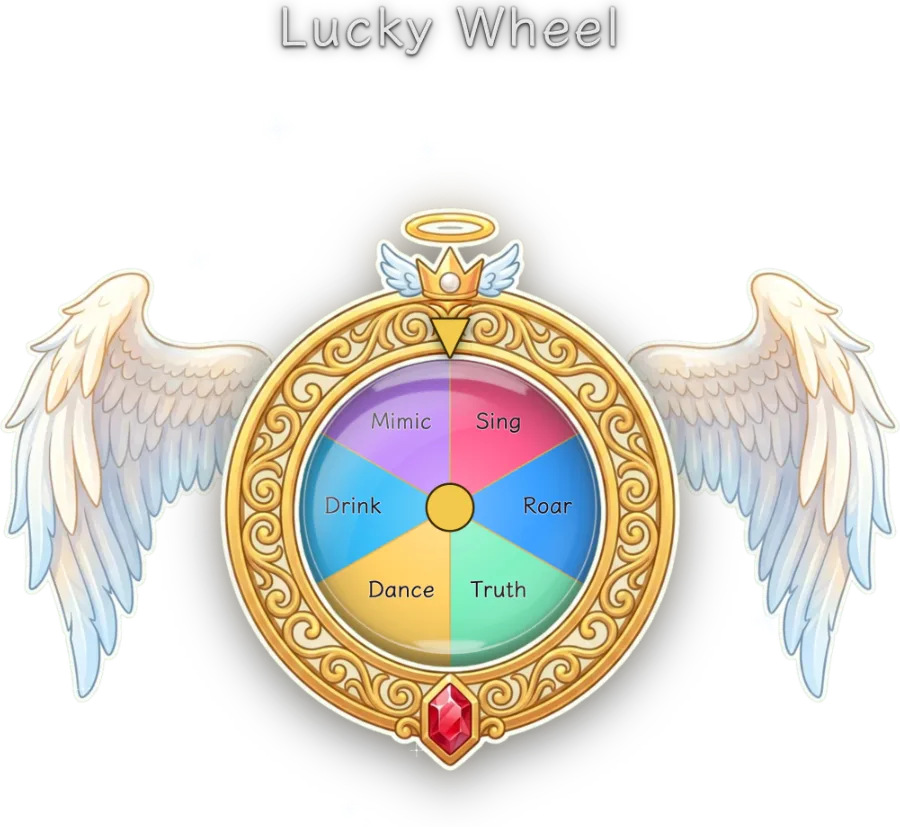
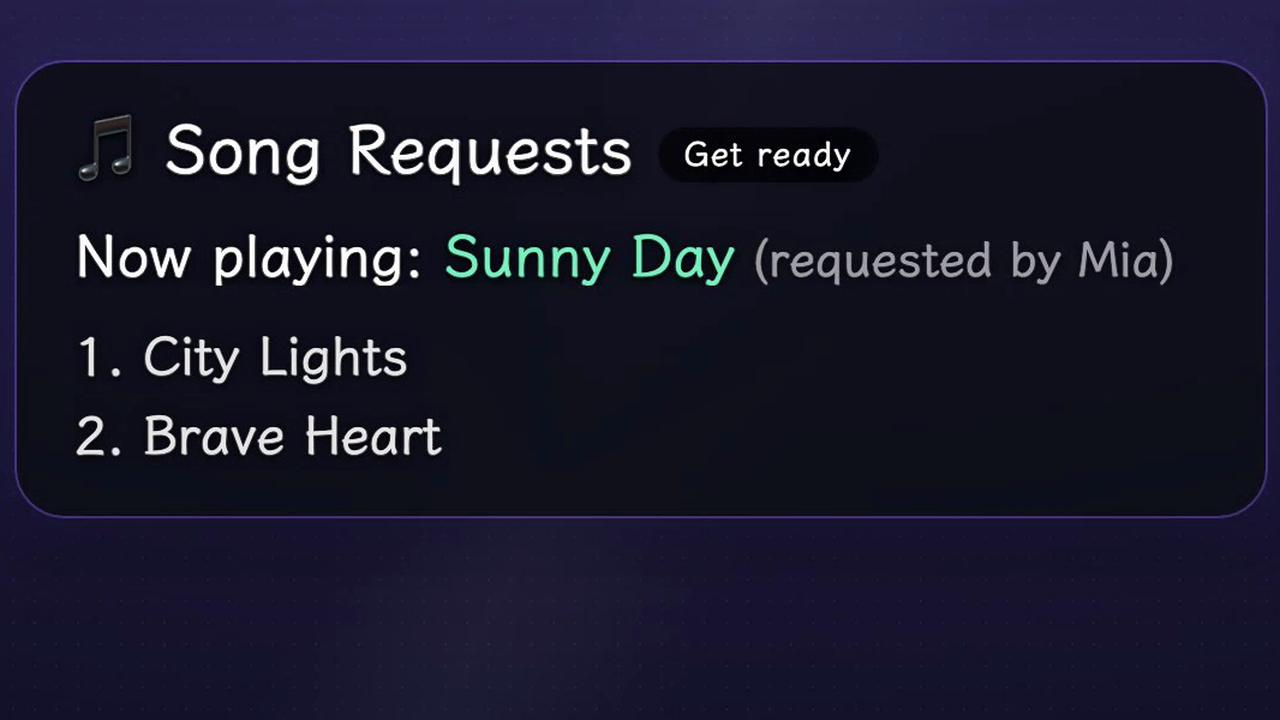
Windows / macOS · TikTok LIVE Studio / OBS
Choose an interaction and see the actual overlay. Start with one that fits your show.
Set up a wheel, song queue or goal for your show.
Copy the widget link into a browser source in TikTok LIVE Studio or OBS.
Connect your TikTok LIVE room and run the interaction while you stream.
Solo is a separate desktop experience for individual creators. Your Solo account and license are separate from the team edition.
Running a team? Meet TStar for teams ↗Buy a period of access. Longer periods cost less per day.
USD 9.99
USD 9.99 per 30 days
Join the waitlistUSD 24.99
USD 8.33 per 30 days
Join the waitlistUSD 44.99
USD 7.50 per 30 days
Join the waitlistUSD 79.99
USD 6.57 per 30 days
Join the waitlistOne purchase. No automatic renewal.
One Solo serial includes desktop and mobile access. iPhone remains in internal testing with fewer features.
Solo is invitation-only. Join the waitlist for access; website payments are not open yet.
An invited creator gets 168 hours from email verification. Signing in again does not extend the trial.
A smaller set of live controls, gift reactions and reports. Desktop remains the full experience.
The iPhone edition has fewer features and no public App Store release. Overlay links need compatible streaming software; they do not place widgets over the TikTok phone camera.
Ask about iPhone access →Docs →Solo is invitation-only. Join the waitlist; public downloads and self-service purchase are not open yet.
Your 7-day trial starts when you verify your email through your invitation. Joining the waitlist does not start it.
iPhone is in internal testing with fewer controls. It does not overlay widgets on the TikTok phone camera. The full overlay workflow uses desktop streaming software.
No. Solo has its own account and license. A team license does not grant Solo access.
These are actual TStar overlays using demonstration data, not customer broadcasts or Solo app screenshots.